Open it. Start talking.
No email or password to remember. BaLLM uses a device-based account.
 BaLLM
BaLLM
BIG IDEAS. LITTLE EVERYDAY MOMENTS.
Find the words. Untangle a thought. See a photo differently. Meet your everyday AI companion, made for iPhone.
Start with 3 free replies. Keep going with Premium.
Unlimited chat for personal use, subject to fair-use limits.
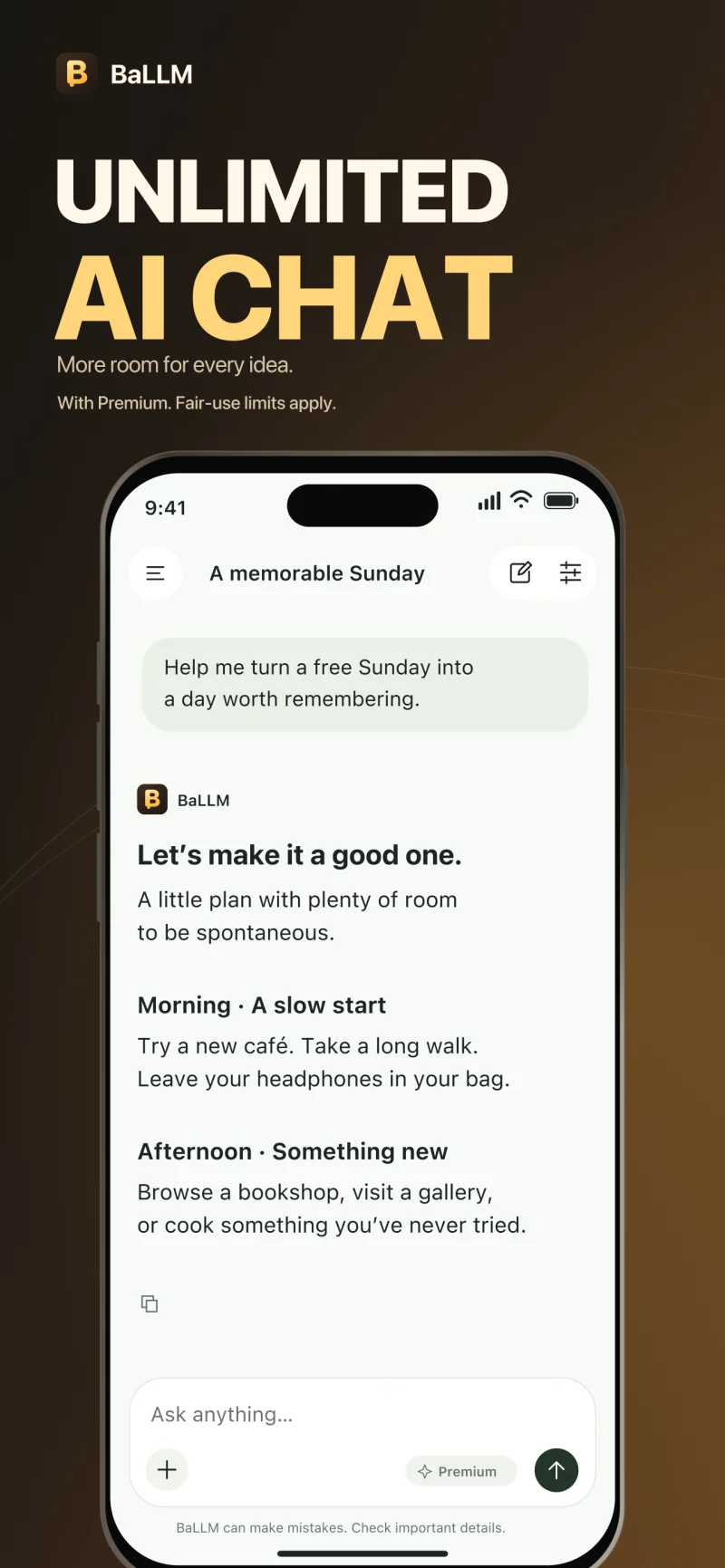
LESS OVERTHINKING. MORE DOING.
A blank page, a curious question, a photo you want to understand. There’s a conversation for that.
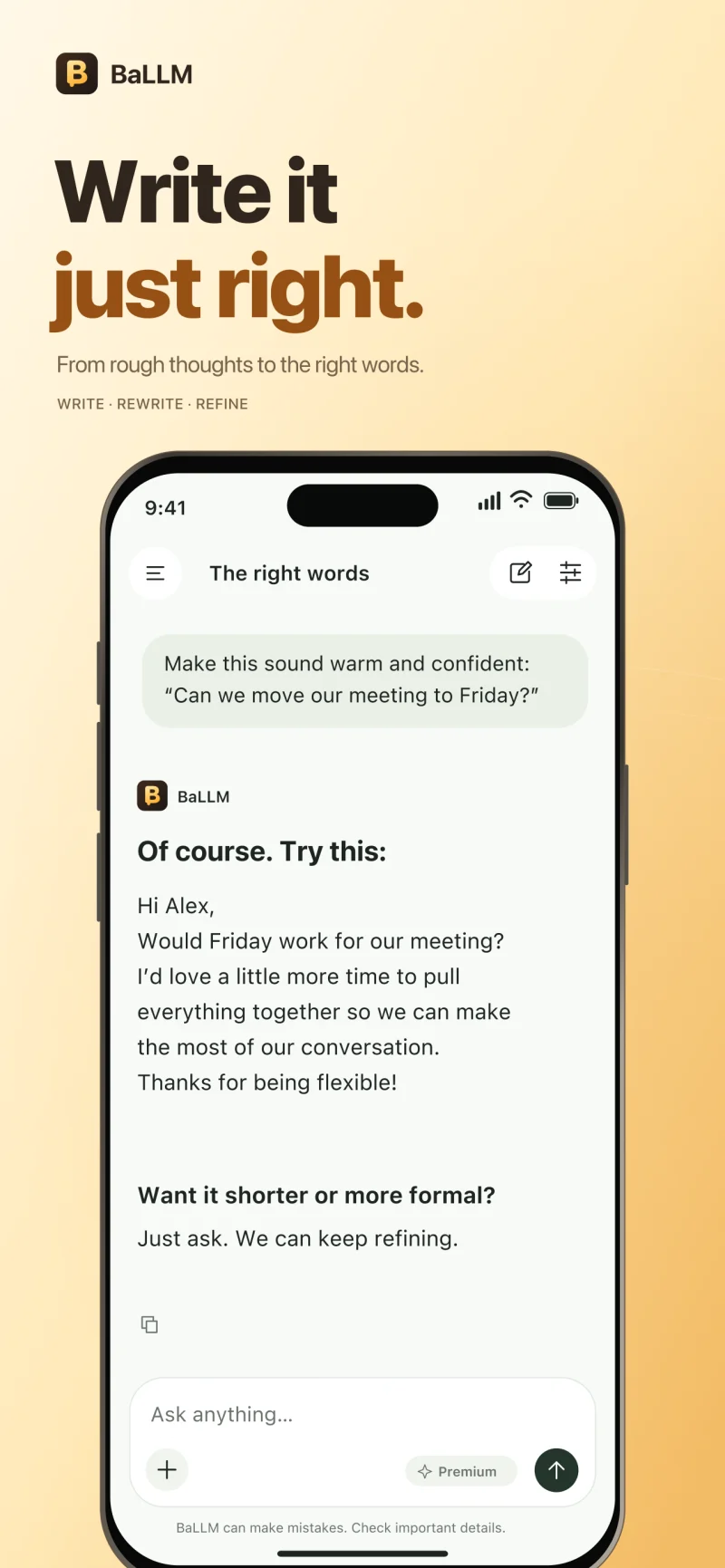
Draft, rewrite, and refine. Make every message sound more like you.
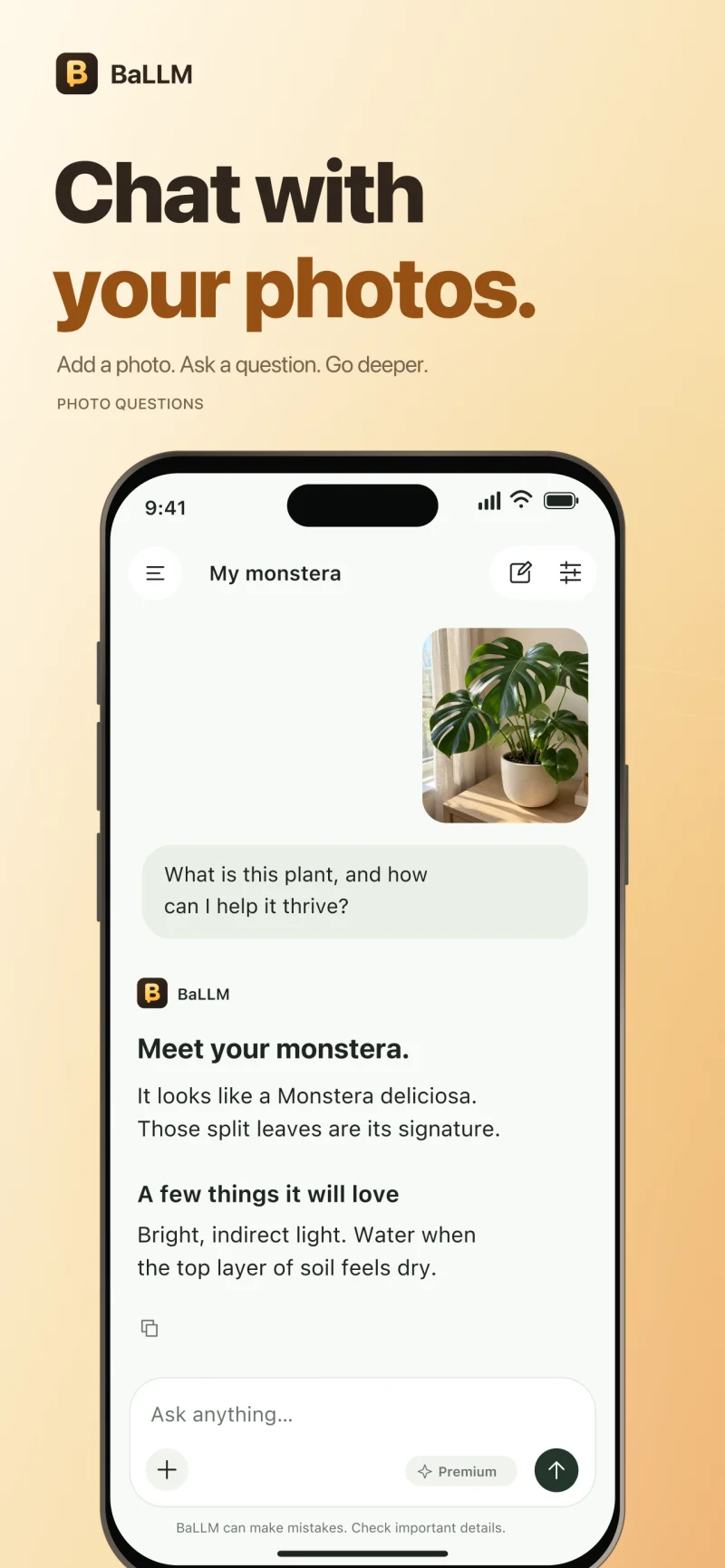
Bring photos and screenshots into the conversation for a fresh perspective.
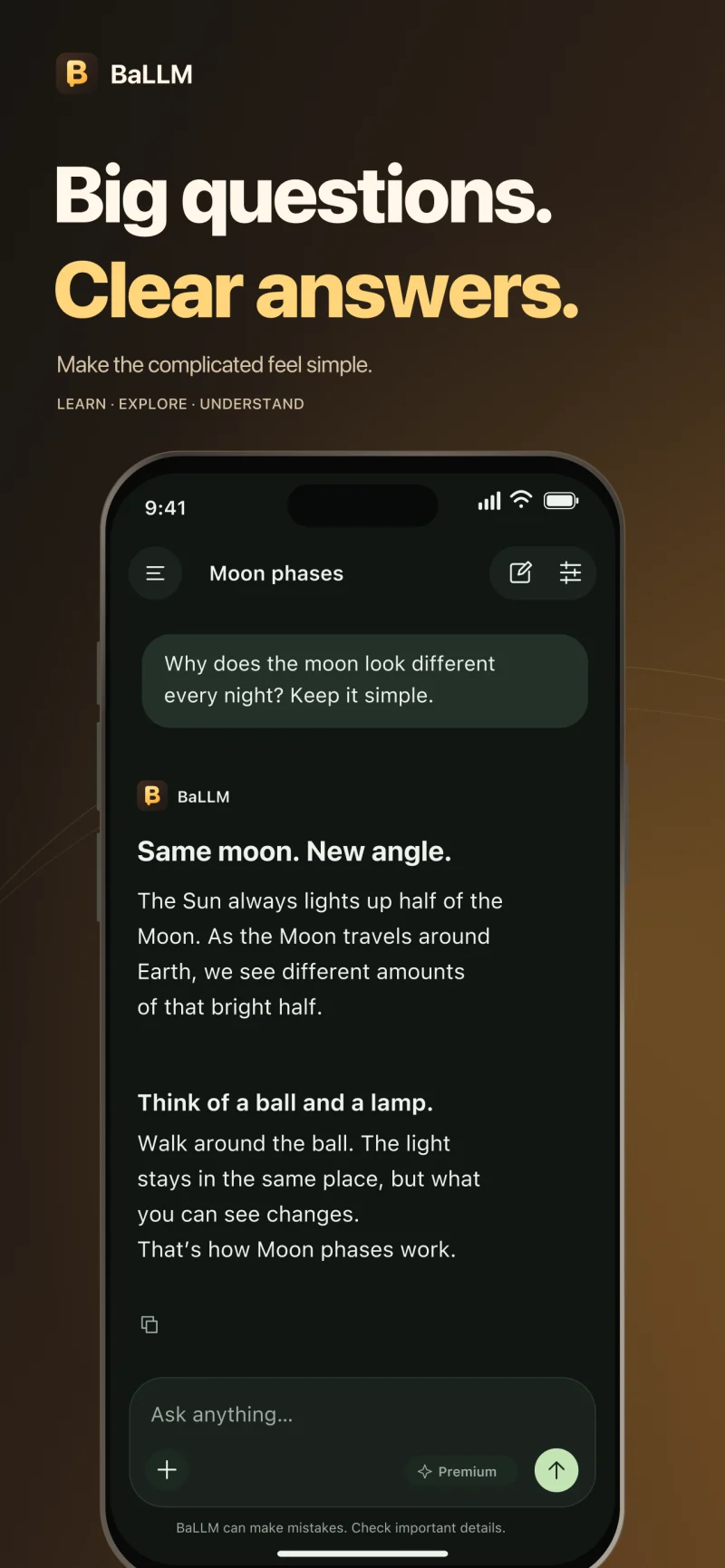
Explore a topic, break it down, and ask the follow-up that makes it click.
THOUGHTFULLY SIMPLE
No email or password to remember. BaLLM uses a device-based account.
Revisit conversations on your device. Selected messages and photos are sent to our AI service to prepare replies; there’s no chat cloud sync.
English, German, Turkish, Italian, Spanish, French, Polish, and Swedish.
BALLM PREMIUM
Everyday help, without the big commitment.
Choose a weekly or yearly subscription in the app.
Try 3 successful replies for free. Premium is required after your free allowance.
Plans renew automatically until canceled. Local prices and full billing details appear before purchase. Fair-use and technical limits apply.A HUMAN WHEN YOU NEED ONE
Questions, feedback, or a little help getting started?
We’re here for you.
For technical help, include your iPhone model, iOS version, and what happened. Please don’t send sensitive chat content.
Open the Premium paywall and tap Restore purchases. Use the same Apple Account you used to subscribe. If access still doesn’t appear, email us for help.
On your iPhone, open Settings → your name → Subscriptions → BaLLM, then choose Cancel Subscription. Deleting the app or your account does not cancel a subscription. Apple’s cancellation guide.
BaLLM does not provide cloud sync or server recovery for chat history. Your complete history is kept on this device, and removing the app may erase it. Restoring a purchase restores eligible Premium access, not your conversations.
Use Clear all conversations in the app to remove local chats. Account deletion is available in the app’s settings. You can also email us for data requests, including historical analytics deletion. Read our privacy policy.
Yes. AI answers can be incomplete or incorrect. Check important facts and use qualified professionals for medical, legal, or financial decisions.
Apple handles App Store billing and refund requests. Visit reportaproblem.apple.com to request a refund. Eligibility is determined by Apple and applicable consumer law.